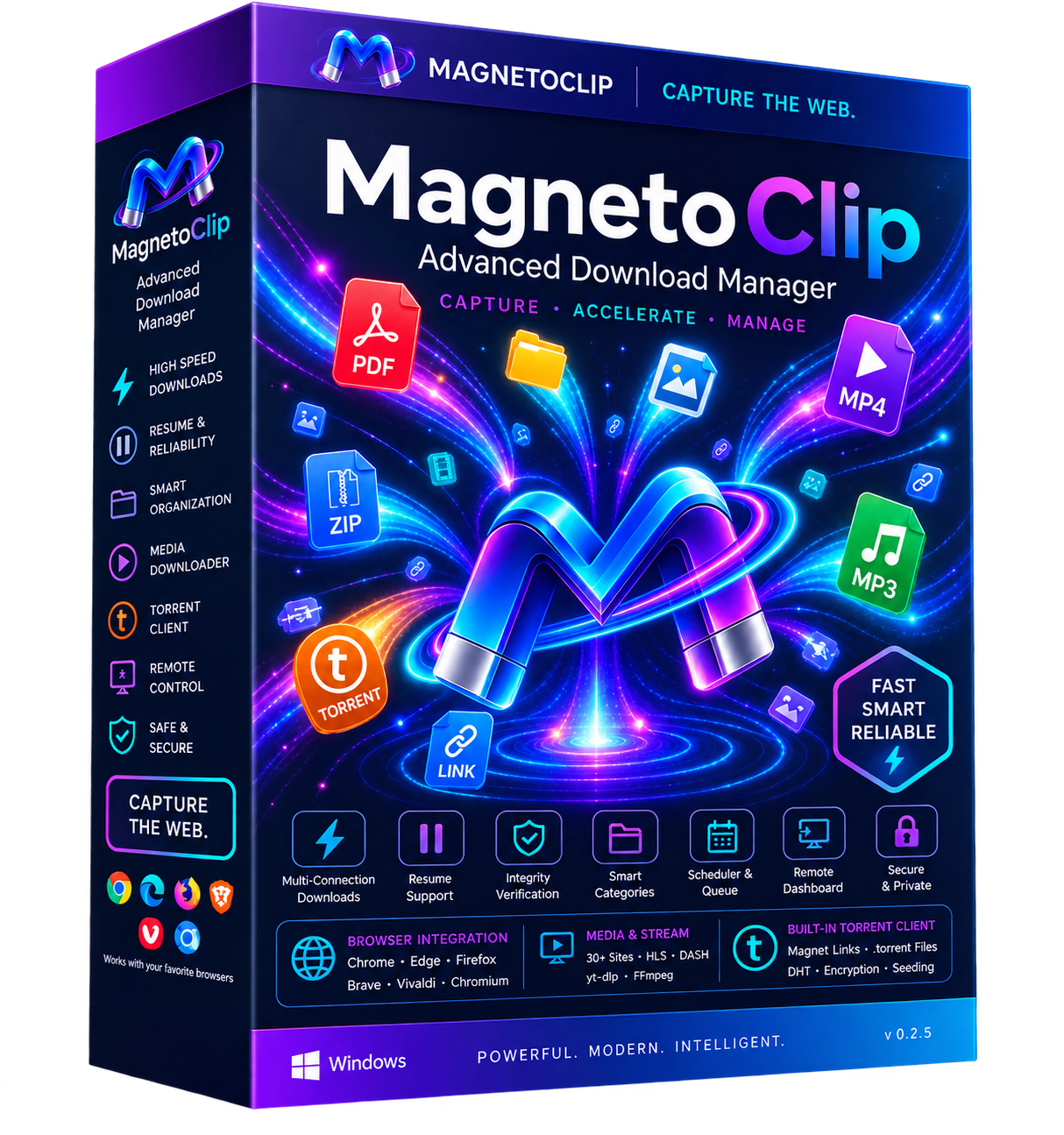
MagnetoClip is a Windows desktop download manager built with Python + PySide6. It pairs an IDM-class multi-connection download core with a browser extension that detects files, media streams and torrents as you browse — then captures them into smart, auto-sorted categories.
Experience how MagnetoClip dynamically divides transfers into parallel segments for maximum bandwidth.
.mclip JSON sidecar files.
Built from scratch with Python, PySide6, and libtorrent. The latest v1.1.1 release adds in-app file preview, webpage archiving, smart pause control and a built-in network speed test. No bloat, no invasive tracking, pure performance.
Byte-range splitting with adaptive connection allocation (up to 64 connections per download, 32 simultaneous) for accelerated speeds.
MV3 extension for Chrome, Edge, Firefox, Brave, Vivaldi & Chromium. Captures links, media streams, and chunked blob URLs via native messaging.
Dedicated yt-dlp & FFmpeg bridge supporting 30+ media sites, plus direct HLS (.m3u8) and DASH (.mpd) live streams.
libtorrent powered BitTorrent client with DHT, PEX, magnet links, sequential downloading for instant video preview, and auto-seeding controls.
Auto-categorization into 8 smart categories (Video, Audio, Compressed, Docs, Apps, etc.) with 14-day speed charts calculated 100% locally.
Control MagnetoClip on your local network (port 8477) via Bearer + HMAC token and instant QR-code mobile pairing. Never exposes filesystem.
Preview finished downloads right inside the app — images, text, video, audio and torrent metadata — with a lightweight viewer (zoom, fit, playback). PDFs open in your default viewer.
Save any page as a self-contained offline .html — right-click "Archive this page with MagnetoClip" inlines the images and CSS so it works with no internet.
One switch pauses every running and waiting download instantly, with an optional auto-resume countdown (0–168 h) that brings everything back on schedule — even across restarts.
Measure download, upload and latency inside the app with an animated gauge, ISP info, throttling detection and a CSV-exportable history — no third-party tools.
Compare MagnetoClip's modern PySide6 architecture with legacy download managers.
| Feature Capability | MagnetoClip v0.2.7 | Legacy IDM | Default Browser Downloader |
|---|---|---|---|
| Multi-Connection Acceleration | Up to 64 Connections | Up to 32 Connections | Single Connection (1x) |
Resumable JSON Sidecar (.mclip) |
Crash-proof Byte Offsets | Proprietary Temp Files | Unreliable / Often Restarts |
| Integrated BitTorrent + Magnets | Built-in libtorrent Core | Not Supported | Not Supported |
| Stream & HLS/DASH Grabber | Native yt-dlp + FFmpeg | Basic TS sniffer | Not Supported |
| Remote Phone Web Dashboard | QR Code Token Pairing | Not Supported | Not Supported |
| Integrity Hashing | MD5/SHA256/BLAKE2b | Basic MD5 only | None |
| User Interface & Themes | Modern Cyber Dark / Light | 90s Windows 98 Look | Minimal Tab Dropdown |
Everything you need to know about MagnetoClip licensing, compatibility, and features.
MGCL-XXXXX-XXXXX-XXXXX-XXXXX. Simply paste it into MagnetoClip's Settings > License dialog. The key is cryptographically signed with Ed25519 and securely bound to your PC using the Windows Credential Manager keyring.